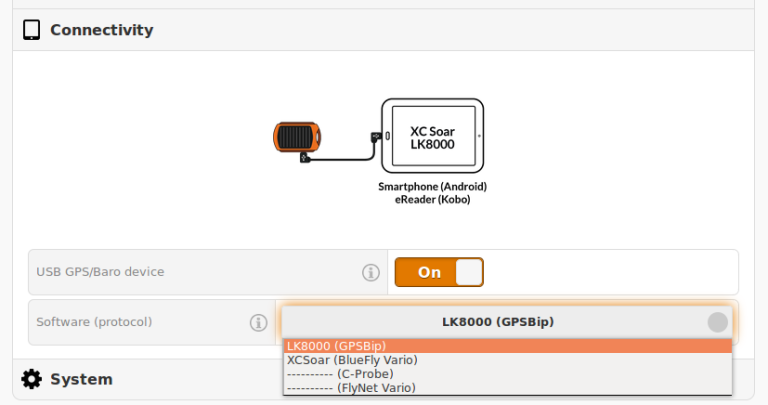
Make sure that your tablet's OTG function is activated.
Switch on your tablet and start the software.
Connect your GPSBip to your tablet using the USB OTG cable supplied.
And then.., only when the software is runningSwitch on your GPSBip
In Fly mode
Click on Menu > Config > Config 1/3 > LK8000 setup > Device setup
Device A :
Name : GPSBip
Port : USB:16D0:0BA9
(Note: if this port is not displayed, return to the home screen and wait until "Restarting Comm Port" is displayed, then return to the configuration menu)
Baudrate: 4800 (not important)
Return to the main screen and wait at least 45sec for automatic connection