Get your vario in time for Christmas: order now before Thursday 12 December 12:00
Menu
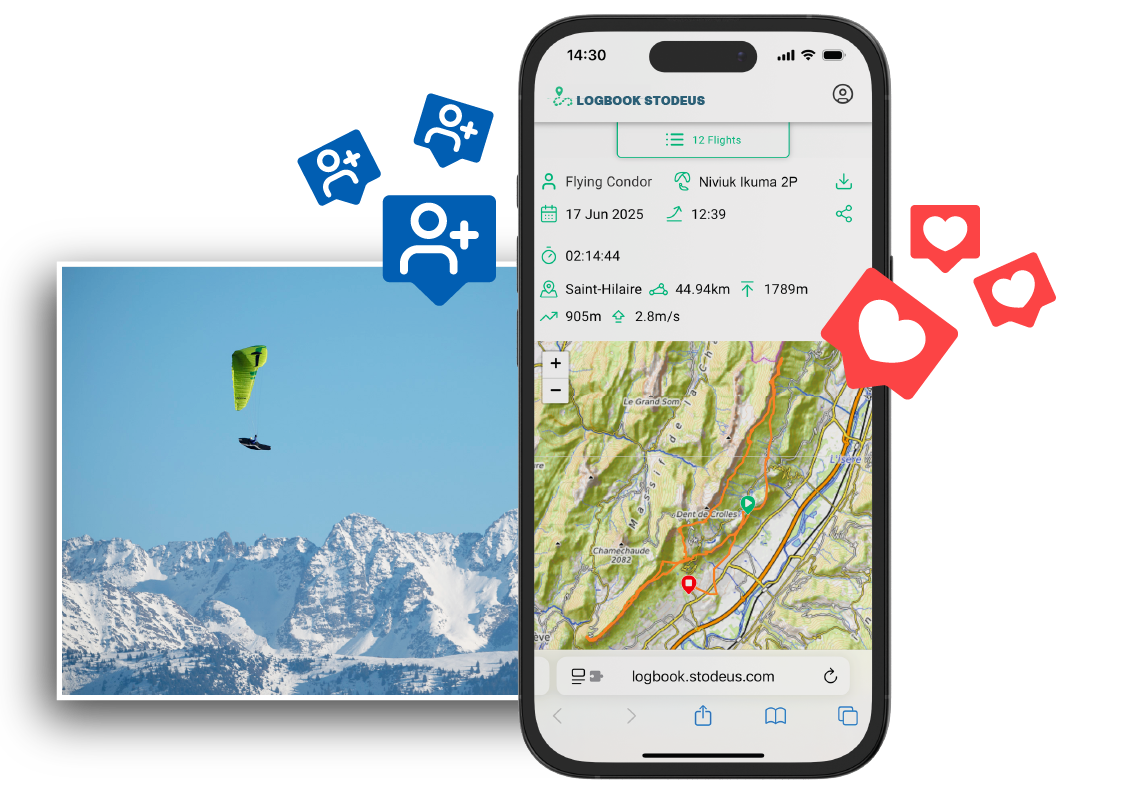
New on the Stodeus LogBook: Like & Follow
With the new «Like» and «Follow» features, the Stodeus LogBook takes on a new dimension!
✅ Follow your favourite pilots Follow your friends or the pilots who inspire you. As soon as they publish a flight, it will appear in your personalised feed.
❤️ Encourage the community A superb 100 km FAI triangle? An unusual track? Show your appreciation with a simple «Like». It's the little virtual bravo that always makes you happy after a great day in the air.
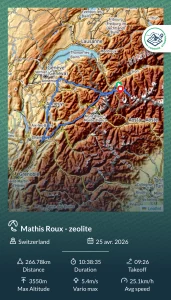
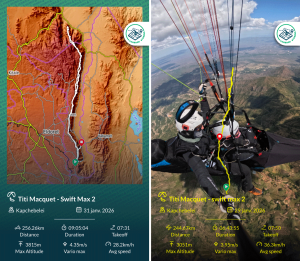
✨ Let yourself be inspired By browsing your activity feed and the leaderboard, you can discover new routes, flight options you hadn't thought of and analyse the tracks of those who fly to your favourite sites.
A home page that reflects your image Your dashboard now offers a mixed view: the public ranking to keep track of your performance, and your private activity feed to stay connected to your circle of pilots.
2 responses
Congratulations on these developments.
Can you tell me how to change the name of his wing?
Thank you
1- click on «Filter»
2- in the drop-down menu, select the wing to be modified
3- tick the box at top left to select all
4- click on the «pencil» icon, and enter the new wing name
The change will be applied to all flights concerned
Alternatively, to modify the wing in a single flight, click on the «pencil» icon next to the wing name.
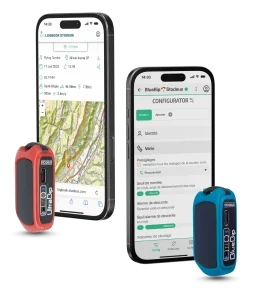
The LogBook automatically retrieves the wing name entered in your BipLink vario profile. You can create up to 3 different profiles.












2 responses
Congratulations on these developments.
Can you tell me how to change the name of his wing?
Thank you
Thank you for your positive feedback 🙂
1- click on «Filter»
2- in the drop-down menu, select the wing to be modified
3- tick the box at top left to select all
4- click on the «pencil» icon, and enter the new wing name
The change will be applied to all flights concerned
Alternatively, to modify the wing in a single flight, click on the «pencil» icon next to the wing name.
The LogBook automatically retrieves the wing name entered in your BipLink vario profile. You can create up to 3 different profiles.