Nailed to the ground, have you forgotten the gentle sound of the vario in thermals?
We've got you covered a complete article on the subject explaining how varios audios workand how to configure your audio profile to suit your needs with the Vario Tone Editor, vario graphics and audio simulator.
And to be at the top of your game when you take up paragliding again, we suggest you play with Vario Tone Editor: Create your ideal profile and share it with others on our Facebook page ! (a screenshot with a little comment, and that's it!).
Anyone can use Vario Tone Editor, even those who don't have a GPSBip+! It's a simple web page, nothing to install 🙂
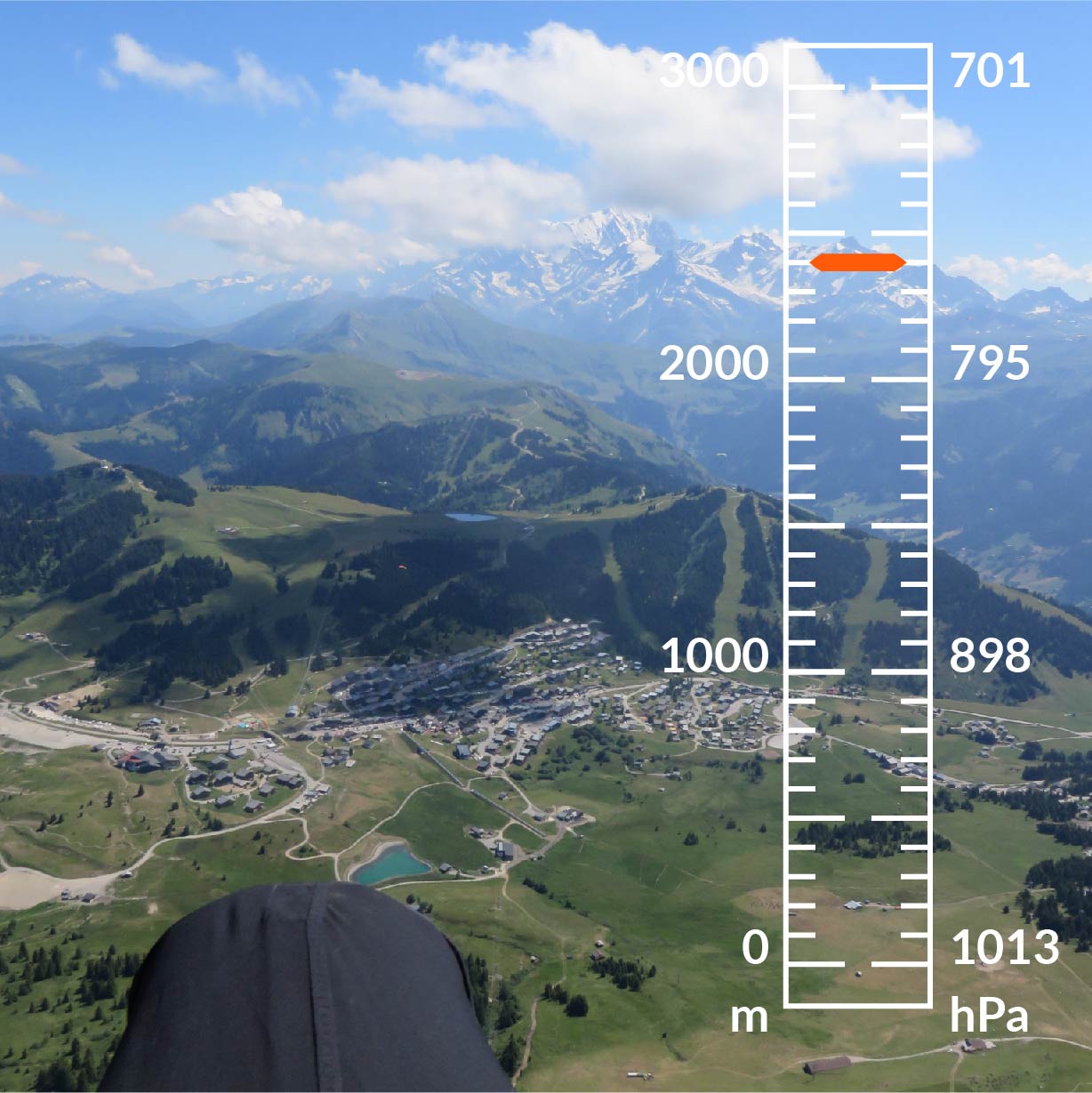
Read the article "The audio variometer: the indispensable companion for paragliders" (in French).
Related posts
Recent Posts
- How to keep your vario and smartphone charged in flight? [VIDEO]
- New on the Stodeus LogBook: 3D view and Airbuddies! [VIDEO]
- ✨ 53rd Coupe Icare: The must-attend event!
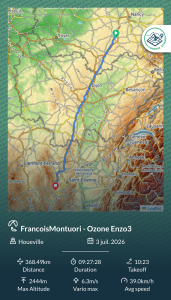
- 368 km paragliding: July’s record flight on the Stodeus LogBook!
- How to choose your instrument: why aren’t all solar variometers created equal?